
How to Search Cases by Name
Open the Dickens County District & County Clerk page first. It links to Online Records Search through LGS Online Solutions. Fields for Email Address and Password come first. Buttons cover Login, Guest Login, New Account, password help, and questions. The public FAQ explains that guest access covers index information and previews only. Guests cannot buy full images.
Know the court and the likely record type before searching by name. Each elected official decides which record types go online, the FAQ notes. Search criteria change with the type. The Dickens search form itself sets the final word on required fields.
- Select the right office and record type before entering a name.
- Try surname and given name, then known alternate spellings or a business name.
- Add an approximate filing year or case category when the system permits it.
- Compare court, county, case number, date, and party role before opening a result.
- Record the query and contact the clerk if the expected case does not appear.
| Field | Type | Known status | Use |
|---|---|---|---|
| Email Address | Text | Visible for account login | Registered access |
| Password | Secure text | Visible for account login | Registered access |
| Office | Selection | Described in county FAQ | Routes the record search |
| Record type | Selection | Varies by elected office | Controls available criteria |
Dickens County LGS Access
The LGS route splits free index work from document access. Results can be paged and opened through “More Information” or “Images,” per the FAQ. A registered user with a verified email may buy an image. The first five image purchases go through before any subscription is required. Subscription charges vary with county size and records.
Checkout adds a mandatory $0.30 transaction fee. Find past purchases under Subscriptions and View Purchases; receipts sit under View Receipts. None of this proves full case coverage. Maybe the record type you need is missing. Perhaps the date span looks thin, or only an index appears. Call the clerk instead of trusting the database. Subscription charges are only one part of the picture, so weigh coverage before you rely on it.
The official Dickens County website shows the source and the county access point.
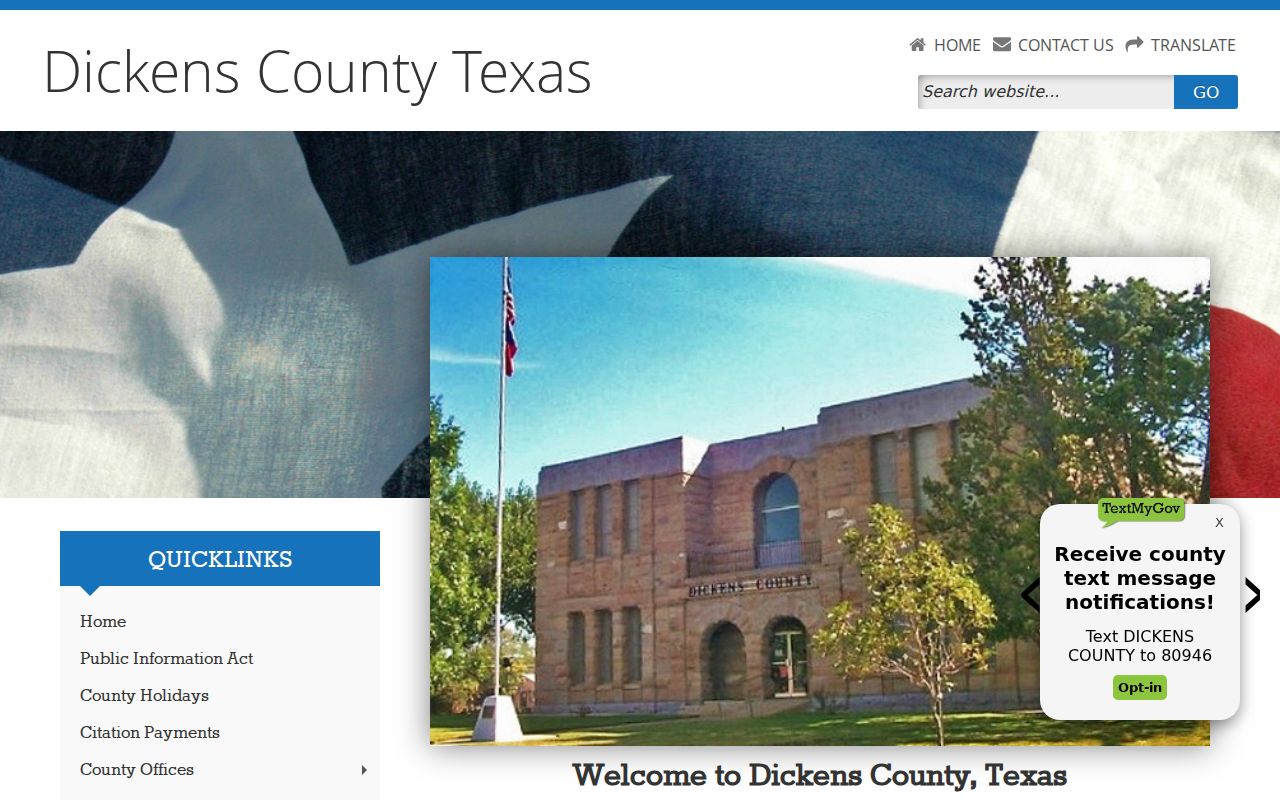
For a current vendor link, the county site beats saved addresses and old office routes, which may change without notice.
How to Search by Case Number
A case or cause number is the strongest key for any docket search. It points to one court-assigned file. Dickens County publishes no verified sample number or local format key. Do not guess year, court-type, or sequence segments. Type the exact cause number exactly as the clerk or a filed notice shows it. Keep punctuation and leading zeros included.
If the number fails, try the portal's accepted punctuation only where its instructions allow the change. Check that the number belongs to Dickens County. It must not point to another venue in the four-county 110th Judicial District. Statewide results need the same location and court-level check. On the phone, read the full identifier and say whether the matter seems to be district, county, JP, or municipal.
re:SearchTX for Dickens Cases
re:SearchTX gathers electronic court records from participating courts statewide, for registered users. Sign in with eFileTexas credentials or register separately. The official guide lists Cases, Filings, Text, and Hearings search groups. Basic and advanced search are both there, plus filters and sorting by filing date or case number.
Advanced controls can cover parties, attorneys, and judges. Case number or description, locations, categories, types, filing dates, and hearing dates are covered too. An asterisk wildcard works in certain name fields. A case detail may show the case number. Type, category, location, filing date, parties, attorneys, judicial officers, filings, documents, and hearings may appear as well.
The official re:SearchTX source shows the statewide search interface.
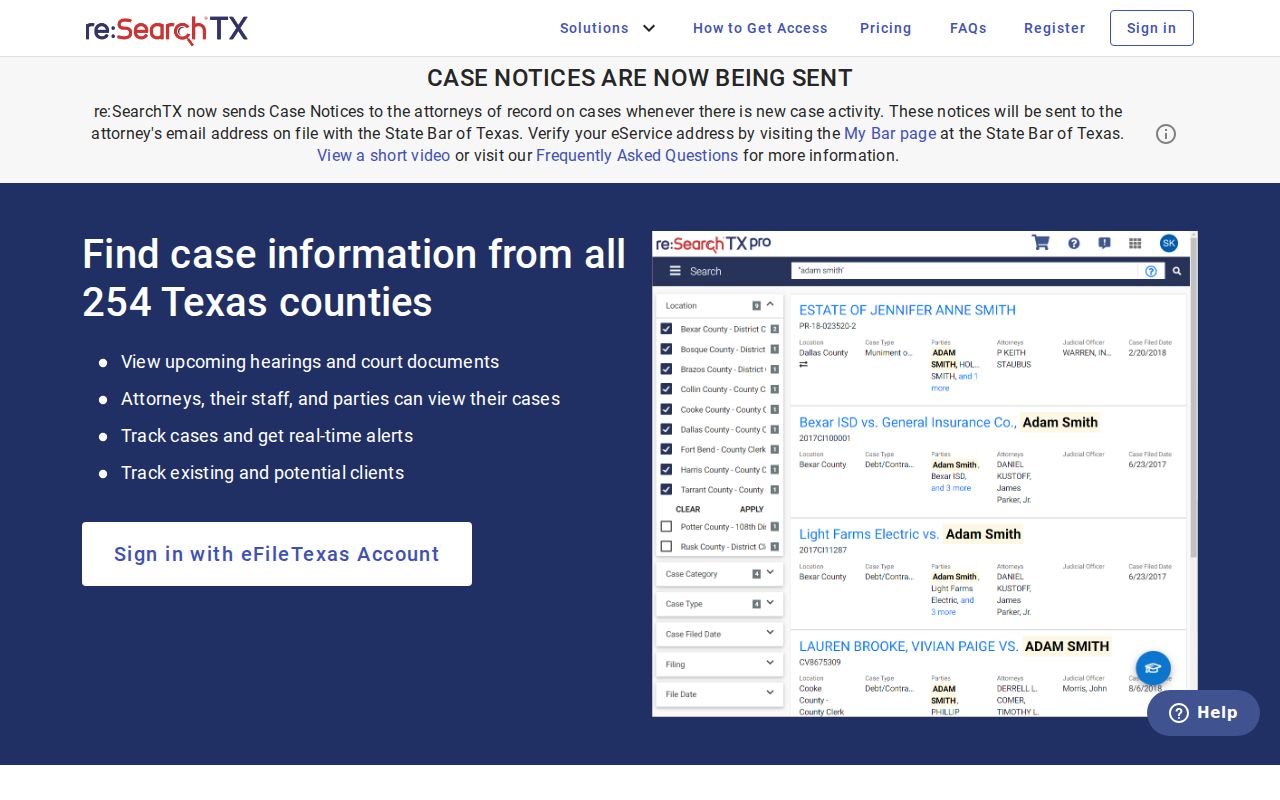
These filters reach wider than a simple login page. Even so, a Dickens County result still depends on which courts participate and which electronic records exist.
What a Dickens Case Search Shows
A result row is not a full file, and neither is a case detail. Note what you actually viewed. It might be an index, docket, hearing list, filing entry, document image, judgment, or aggregate count. The gap matters here. LGS gives free index and preview access but sells images as separate purchases.
| Case number | The exact court identifier used to distinguish similar names. |
|---|---|
| Case type | Criminal, civil, family, probate, juvenile, traffic, or another listed category. |
| Location | The county and court that maintain the file. |
| Filed date | When the case or item entered the court record. |
| Parties and roles | Names paired with plaintiff, defendant, petitioner, respondent, State, or another role. |
| Docket events | Filings, notices, settings, orders, service returns, disposition, or judgment entries. |
| Access status | Whether an image is public, priced, unavailable, redacted, or restricted. |
A blank field has several possible meanings: not indexed, not applicable, not yet entered, or restricted. A scheduled hearing can be reset later. When the exact legal outcome matters, open the signed order or ask the clerk.
eFileTexas Is Not Case Lookup
eFileTexas is the statewide filing environment, not a lookup tool. Attorneys and, where allowed, other filers submit documents through an electronic filing service provider there. Submitting a filing is one act. Viewing a public docket is another. Holding an e-filing account does not mean every Dickens County docket or document can be searched there.
The county clerk directory names iDocket as the county's case-management system. LGS serves as the county-facing records link. re:SearchTX is the statewide research layer. These pieces form one records stack, not three copies of one database.
The official eFileTexas site documents the filing system's role.
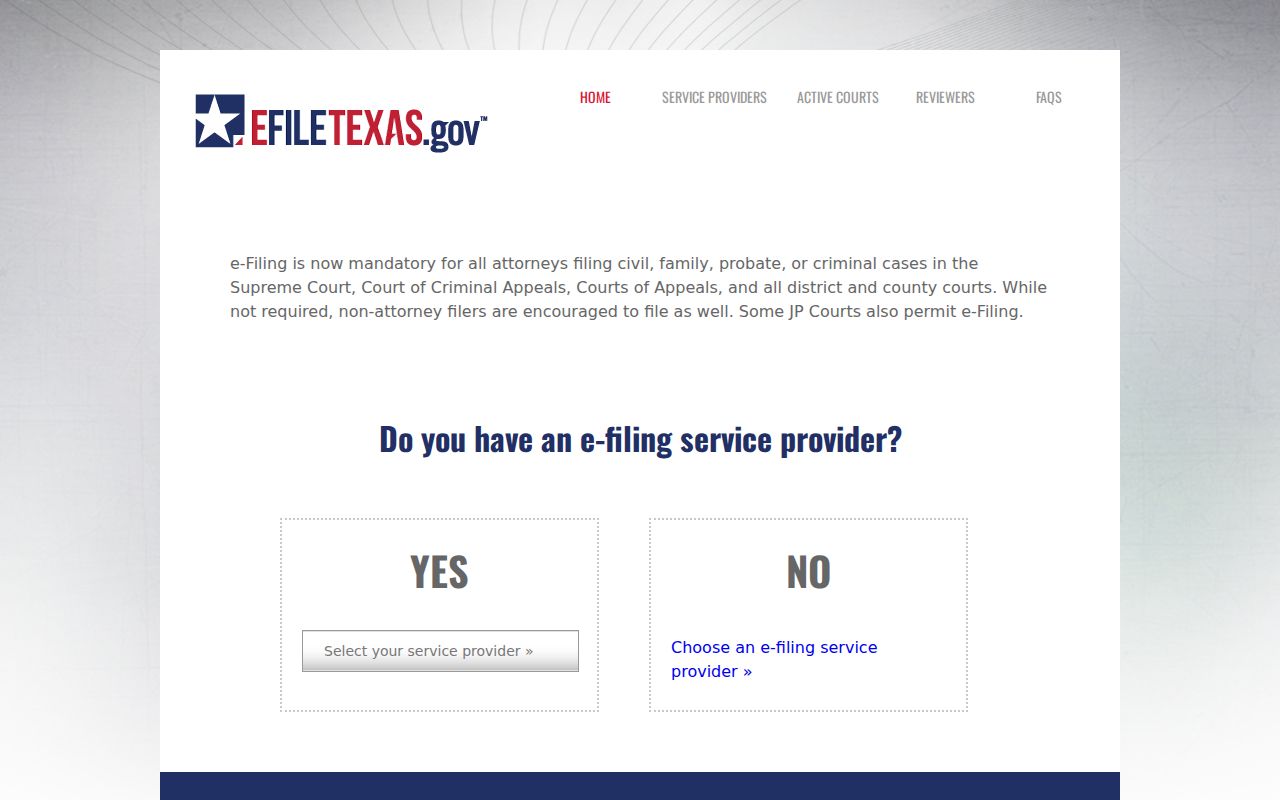
The filing side explains how electronic documents reach participating courts. Public lookup still runs through LGS, re:SearchTX, or a direct call to the clerk.
County vs Statewide Case Search
When a lookup needs a cross-check, use both official layers. The county system draws on records chosen by local elected offices. The statewide system can search participating electronic records across locations. Neither source promises that every Dickens County trial case appears, so treat each hit as a lead worth confirming rather than the final word on a court docket.
| Point | re:SearchTX | Dickens LGS |
|---|---|---|
| Scope | Participating Texas electronic records | Record types selected by the local office |
| Search structure | Cases, Filings, Text, Hearings, and advanced filters | Office and record-type dependent |
| Account | Registration or eFileTexas credentials | Guest or verified registered account |
| Documents | Access or price may vary | Guest cannot purchase full images |
| Fallback | Contact the local clerk | Contact the responsible court custodian |
One more wrinkle matters. The Office of Court Administration's case-record answer states plainly that OCA keeps no individual trial-court case records. That official page is why a thorough docket search always circles back to the clerk for verification rather than treating it as optional.
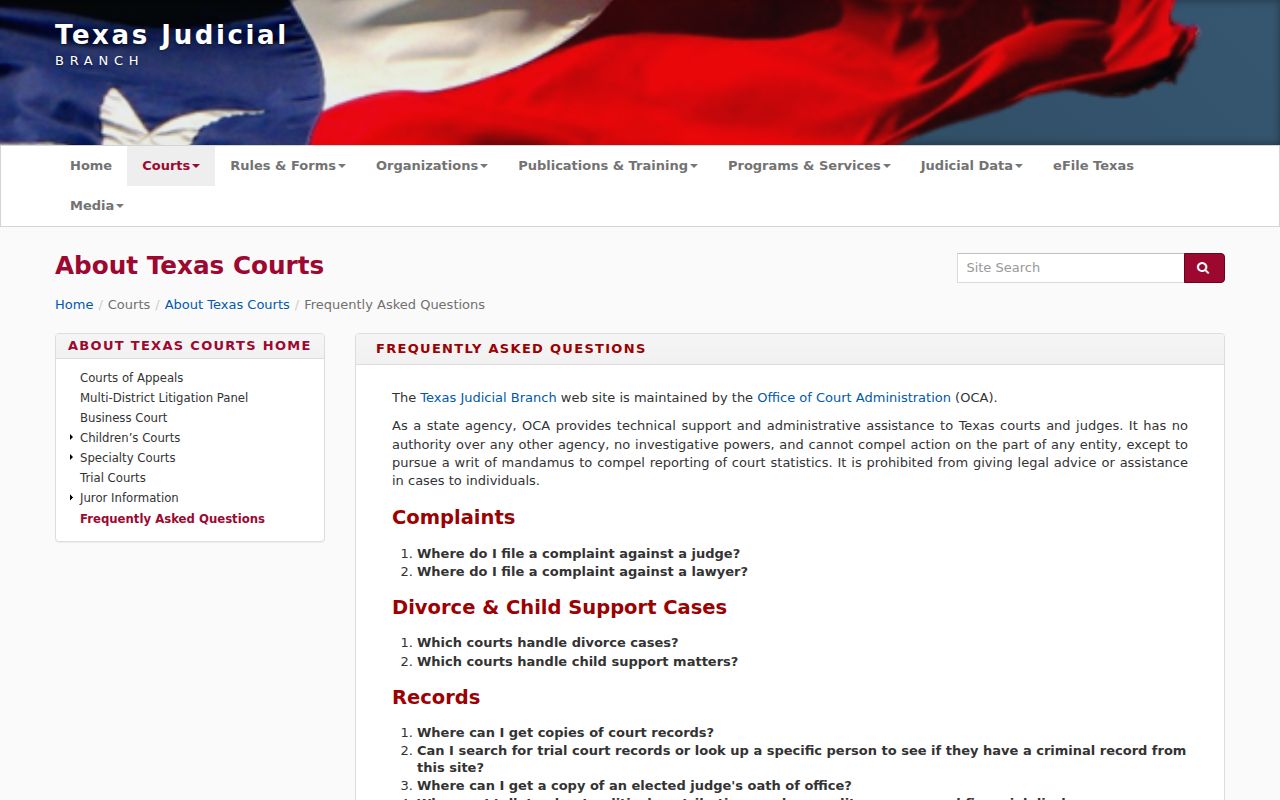
The state FAQ sends searchers the same direction. When a trial-court file does not surface through state resources, the answer is to ask the local clerk directly.
Log a Dickens Case Search
A short search log keeps a result from being pinned to the wrong court. It also guards against the wrong person. Write down the date and time. Include the court, the custodian, the system, and the account type. Add the exact query, the date range, and any filters. Note the result count, the case numbers you kept, the fees, and any access limits. Say whether you saw only an index or an actual document image.
For a name match, keep the role shown. Then compare it with the case type and filing date you know. Similar names and initials still cause false matches in a small county. A party name on a docket does not establish wrongdoing, liability, conviction, or current status.
Note: A query you can rerun beats a saved picture of the page. Portal data and access settings can change.
Restricted Cases and Access Rules
Not everything in a court docket is open to the public. Juvenile, mental-health, protective-order, adoption, family, expunction, nondisclosure, and sealed matters may show trimmed index fields or no public image at all. Redaction of personal identifiers is common. Statute or court order can also limit a court file to the parties, their counsel, certain agencies, or the court itself.
No result is not a finding. Ask whether the record is in another court, outside the online date span, not posted by the office, sealed, expunged, nondisclosed, confidential, or awaiting entry.
There is a line Texas draws between two kinds of records. The Texas courts open-records policy separates court case records from administrative judicial records. Ask the clerk that maintains the file when you want a case docket. County administrative records, by contrast, move through the Dickens County Public Information Act process. That process never substitutes for a direct court-file request.
Ask the Dickens County Clerk
Both portals coming up empty is not the end of the road. Call Danay Carnes, District & County Clerk, at (806) 623-5531. Give the court, the case type, the cause number if you have it, the names and party roles, and your date range. Mailed district or county requests can go to P.O. Box 120, Dickens, Texas 79229. Ask up front whether inspection, an electronic copy, a plain copy, or a certified copy is available, and get a fee quote first.
JP traffic or small-claims matters belong at (806) 623-5233. Spur Municipal Court answers at (806) 271-4766 or through its official court email. Walking into the right office works too. Confirm hours and location before you drive out, since the district's main location sits in Floydada while Dickens County offices and lower courts sit elsewhere. For reading a criminal docket and routing the case to the right court, turn to the Dickens County Criminal Docket Search.